
Keep access and preferences current
Account and profile
Sign in safely, switch affiliates, update your profile, and control notification preferences.
Maintained by RxApp ProductLast reviewed
Sign in or recover access
- Open RxApp and sign in with your account email and password.
- Select Forgotten your password? when you cannot sign in. Follow the link sent to your account email and set a new password.
- Not verified yet? Select Send new verification link and open the newest email.
Update your profile
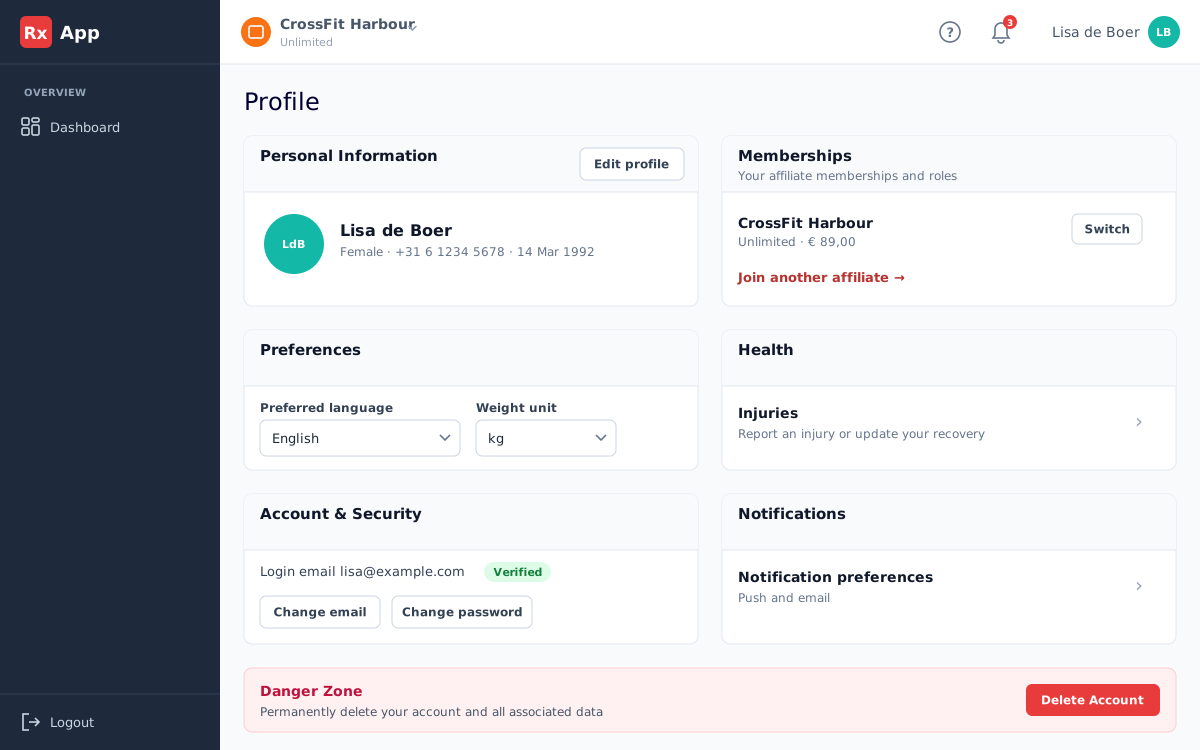
- Open the avatar menu and select Profile.
- Use Edit profile for your name, gender, date of birth, and phone number, and Edit emergency contact for your emergency contact.
- Select your avatar to change your profile photo.
- In the avatar menu, select Preferences to choose your language and weight unit (kg or lbs).
Switch between affiliates
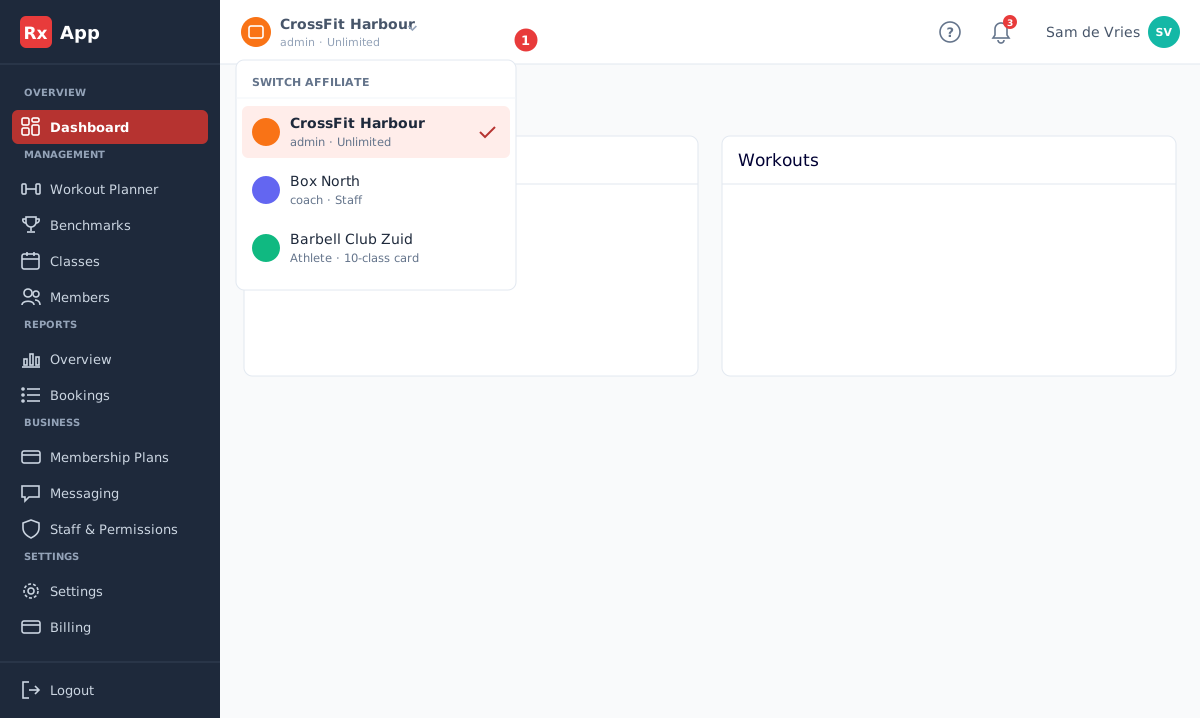
- Open the affiliate switcher at the top left of the header when your account belongs to more than one affiliate.
- Choose the affiliate you want to work with. Each row shows your role and plan there.
- Wait for the page data to refresh before making changes.
Inbox and preferences
- The bell opens your notification inbox. Use All and Unread to filter, and Mark all read to clear the badge.
- Preferences → Notifications controls push and email for booking confirmations, cancellations, and messages from your affiliate. Fistbumps, comments, friends' personal records, and friend requests are push only. Under Preferences → Who sees your results you choose who can see your results.
- Booking notifications include the affiliate's name so you can identify which one a booking concerns.
- Changing a preference affects future delivery; existing notifications remain in the inbox until removed by retention rules.
Change your email or password
- Open your avatar menu and select Account.
- Select Change email, enter the new address and your current password, and select Send verification email. Confirm the change from the email you receive.
- Select Change password, enter your current and new password, and sign in again.
Delete your account
Open your avatar menu, select Account, and select Delete Account. Confirm with your password. This permanently erases your profile, workout history, benchmark history, and memberships at affiliates.