
RxApp documentation
Learn RxApp, one role at a time
Short, practical guides for athletes, coaches, and affiliate owners — for the web portal and the mobile app. What you see depends on your role and your affiliate's active modules.
Choose your guide
What do you use RxApp for?
Train and stay connected
Athlete guide
Join an affiliate, book classes, log workout scores, and manage your personal training history.
Read guideRun daily affiliate operations
Coach and staff guide
Manage members and, depending on access, classes, workouts, benchmarks, plans, and messages.
Read guideConfigure and understand your affiliate
Affiliate owner guide
Start your affiliate, set up access, staff, memberships, and reporting, and manage the affiliate's RxApp subscription.
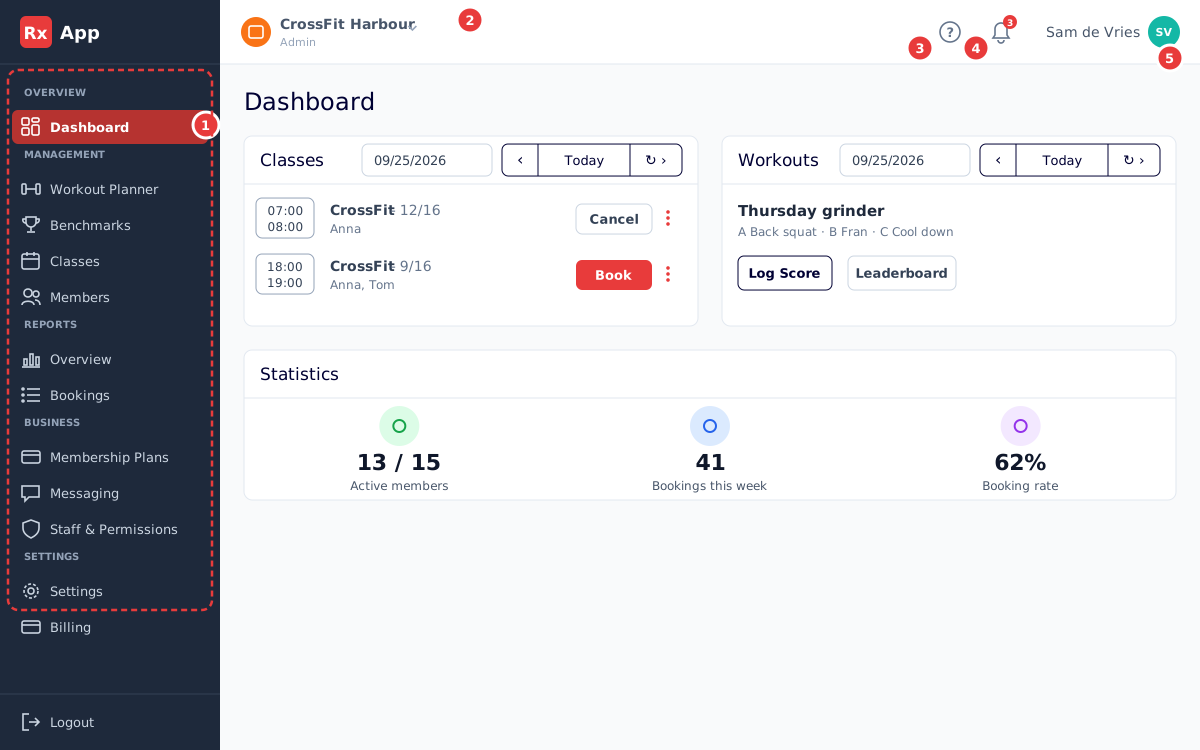
Read guideA tour of the web portal
Getting started
Create an account, find your way around the portal, and understand why your menu depends on your role and your affiliate's modules.
Open guide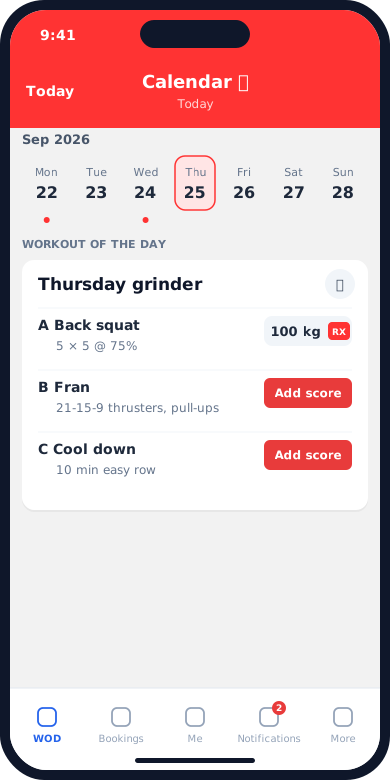
RxApp on iOS and Android
Mobile app
Book classes, log scores, follow your progress, and get affiliate messages from the RxApp app on your phone.
Open guideAccount & support
Shared guidance
Account access, affiliate switching, preferences, and troubleshooting work the same for every role.
A note about RxApp terminology
RxApp uses Athlete in personal areas and Member in staff management screens. An Affiliate is your gym or box. Membership Plans are what your affiliate offers athletes; Billing manages the affiliate's own RxApp subscription. The portal is available in English and Dutch.